STEP 01 ↗
Make yourself at home.
Open clawdbot.party in your browser. On iPhone, use Safari for the connection flow.
Go to clawdbot.party ↗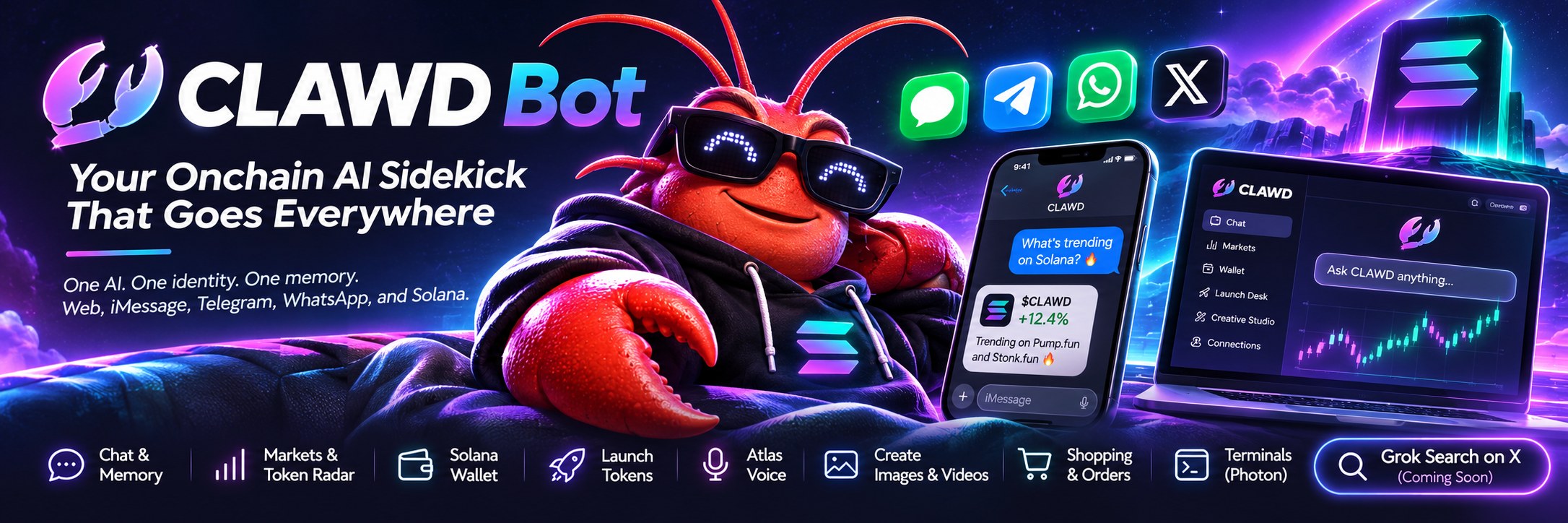
Chatting, exploring Solana, and taking CLAWD from your browser to your pocket. Same account. Same memory. This guide gets you set up and shows you everything it can do.
No subscription needed for free chat.
Open clawdbot.party in your browser. On iPhone, use Safari for the connection flow.
Go to clawdbot.party ↗Choose email, Google, X, or a Solana wallet. Use the same account wherever you connect CLAWD.
Connect another device ↓Start with free text chat, your own Solana wallet, and one Pump.fun request per 24 hours.
Open your workspace ↗Always connect with your existing account.
Link your iPhone number first, then keep the conversation going in Messages.
Link Telegram to the account you already use on the web.
Use your verified subscription phone to connect the same account.
Pair the Photon terminal app with your CLAWD workspace.
Every card jumps straight into the live feature. Some require active access.
Ask questions and pick up your conversations across connected devices.
Open chat ↗Explore $CLAWD prices, Pump.fun and Stonk.fun launches, and prediction markets.
Open the radar ↗View linked balances, check holder access, and manage wallets, including OWS.
Open your wallet ↗Launch tokens and claim creator fees with your wallet approval for each action.
Open the launch desk ↗Talk it through out loud. Requires active access and a verified phone.
Set up voice ↗Create images and videos, then keep your work in your account.
Open the studio ↗Find shopping, cards, and orders in your bot workspace sidebar.
Open shopping ↗Pair your desktop terminal and continue your conversation from your desk.
Pair a terminal ↗Jump straight to the right page.
Your everyday introduction to CLAWD.
More ways to work with your sidekick.
A new search bar is being built for the top of clawdbot.party. When it ships, there’s nothing to install.
Most connection issues start with your account or phone.
Verify your phone number in Wallet & subscription, then reload the iMessage page. The thread will not load until your phone is verified.
Use the same account on every device. Signing in with a different account means a different CLAWD memory and connection state.
Open the web iMessage page and tap Share CLAWD’s contact card again. It resends the card to your verified phone number.
Get a fresh link from Connections. Connection links are private and one-time.
Wallet approval is part of the flow. Review the transaction in your own wallet before approving a trade, token launch, or creator-fee claim.
It is still being built and is not live yet. Once released, it will appear at the top of clawdbot.party without an installation.
One account. Your conversation. Wherever you go.